
Effortless Building
Effortless Building is an irreplaceable tool that revolutionizes the creative process in Minecraft Bedrock. Heavily inspired by the Java mod of the same name, it’s essentially a visual version of WorldEdit — no complex commands required. It took me only five minutes to master the basics, and the features are truly impressive.
Credits: ExterLeo
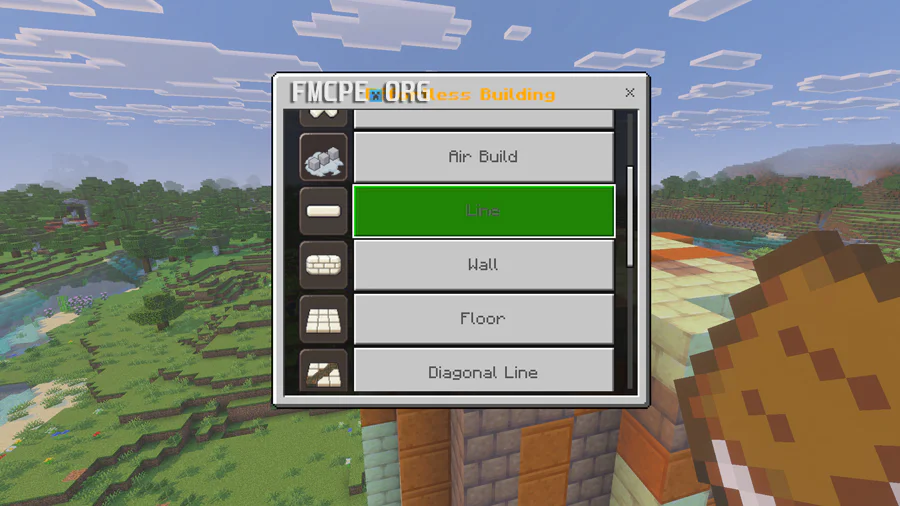
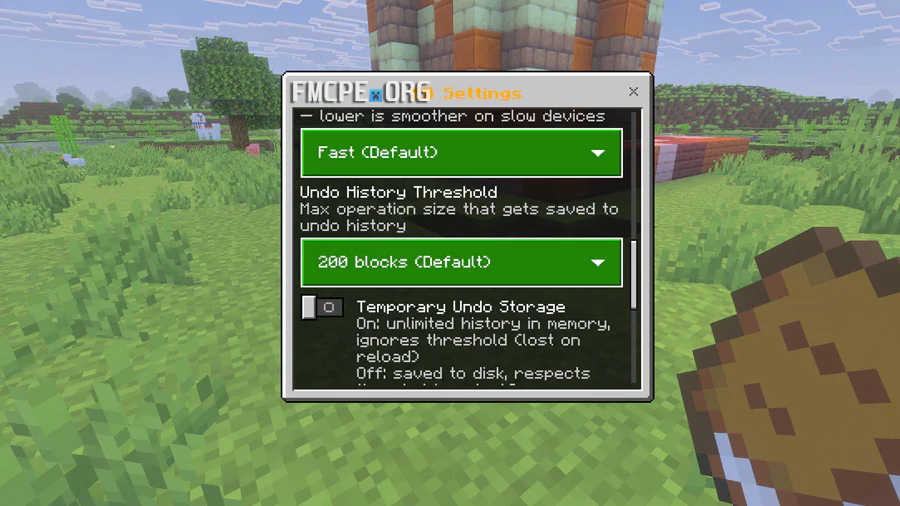
How to Build Faster in Minecraft
To become a master builder, you need the right tools. Effortless Building provides a special book that allows you to toggle between different modes. On PC, right-click with the book to select a shape, or Crouch + Right-click to open the general settings. To access your block palette, simply left-click while holding the book.
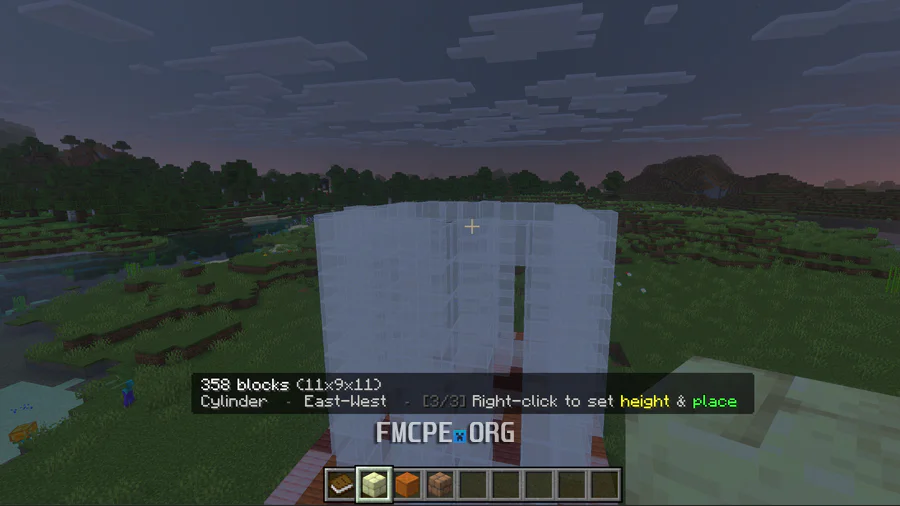
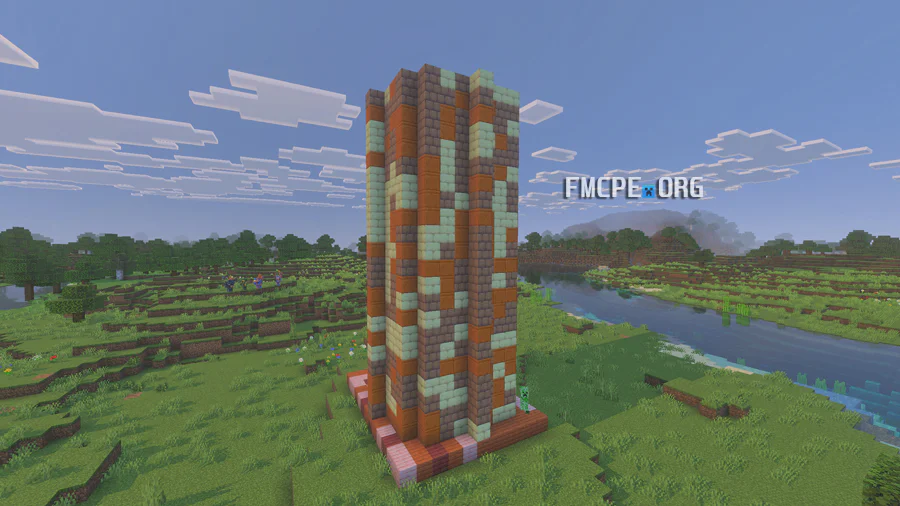
Once your options are set, you can start building in three simple stages: choose a starting block, select the width, and finally, set the height. For spheres, the shape is symmetrical, so you only need to adjust the diameter.
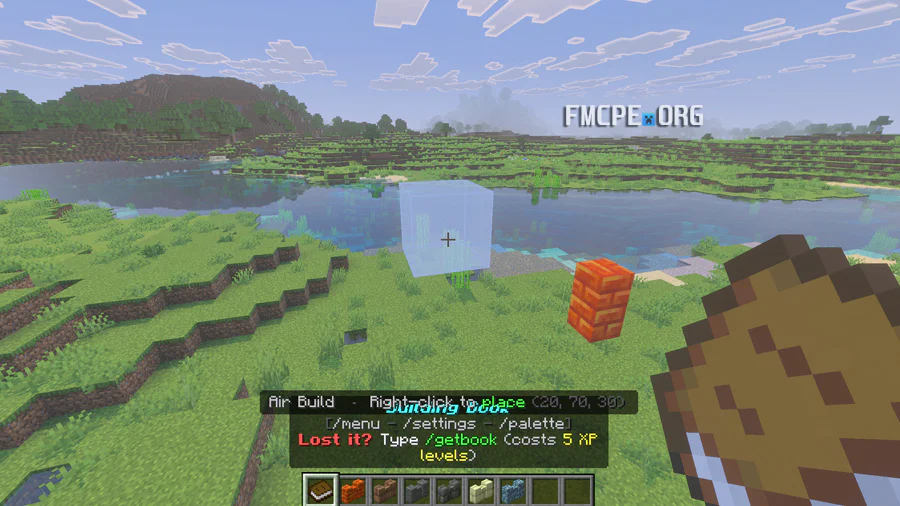
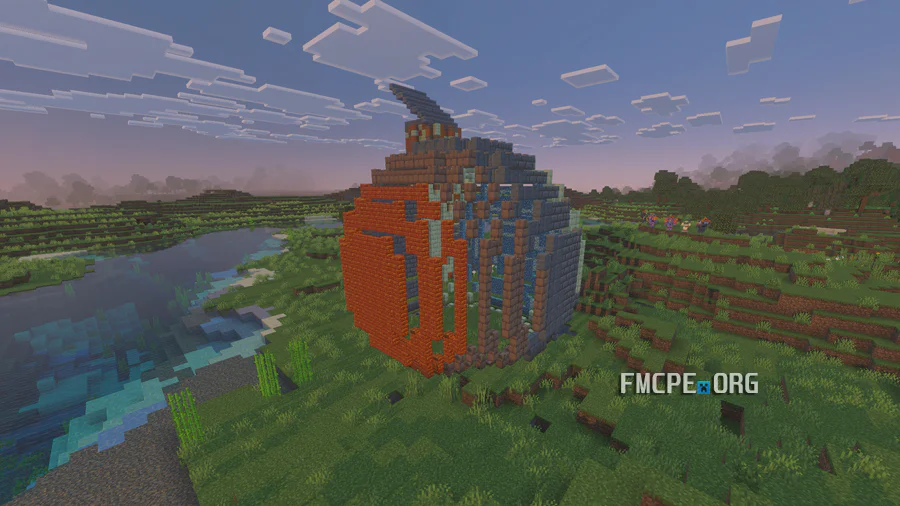
Throughout the process, the addon displays a hologram to guide your form. While you can build thousands of blocks at once, large-scale holograms can occasionally lag; fortunately, you can switch the visual mode to particles, which is better optimized for massive structures. The addon also supports building with random patterns.
My only gripe is the current absence of a pyramid or triangular form in the building options, but otherwise, it's a game-changer.