
Chat Ranks addon
Chat Ranks is a powerful tool for server administrators who want to organize their chat. The addon allows you to create custom ranks and style them for better visibility. It is especially useful on high-population servers, helping players easily distinguish between Admins, VIP players, and regular members.
Key Features
-
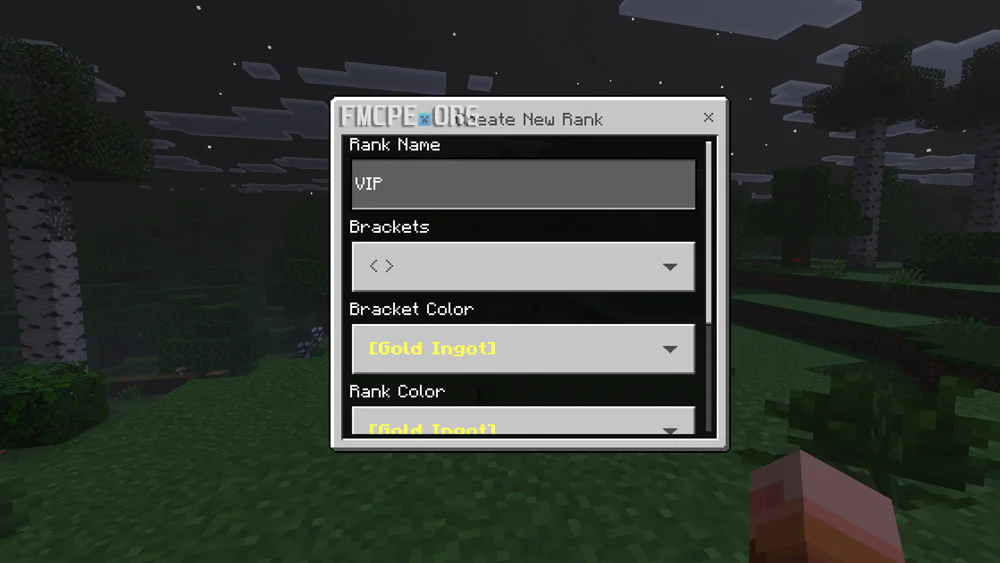
Customization: Create and customize ranks with unique colors and bold fonts.
-
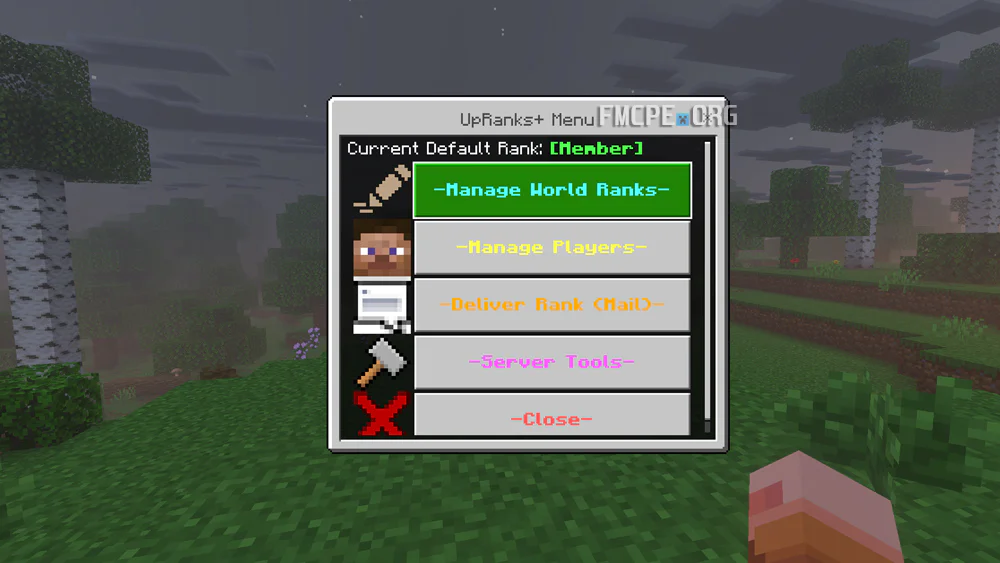
Global Settings: Set a default rank for new players.
-
Rank Delivery: Assign ranks via the in-game mail system.
-
Moderation Tools: Clear the chat or mute specific players.
Credits: Mannooma
How to Get Started
-
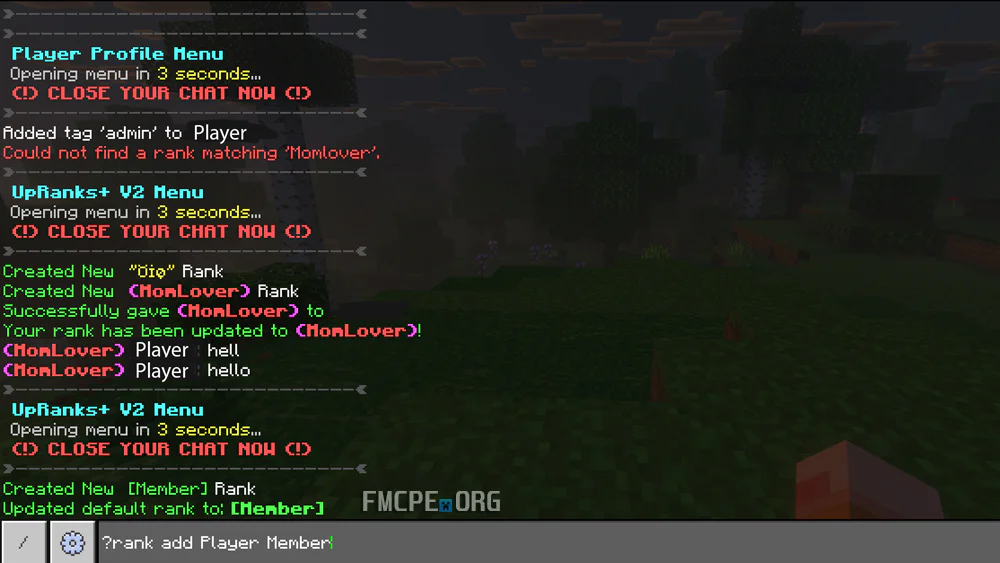
Assign Admin Status: Type /tag @s add admin in the chat.
-
Access the Menu: Type ?rank and close the chat window to open the ranks menu.
-
Assign Ranks: Use the command ?rank add [PlayerName] [RankName].
-
Remove Ranks: Use the command ?rank remove [PlayerName].
-
Help: Type ?help for more information on available commands.
I really enjoyed how easy this addon is to configure. It took me only five minutes to set up all my necessary ranks. I would highly recommend this to any server or Realm owner!