Homepage » Mods » Gooblicraft furniture add-on

Gooblicraft furniture add-on

With GoobliCraft Furniture, you can easily create realistic environments and decorate both interiors and facades. Its main selling point is that certain pieces of furniture, such as beds, tables, and even facade decorations, automatically connect to one another to create a seamless, uniform look. Not only does this simplify the building process, but it also results in a much more polished aesthetic.


The hundreds of blocks in this collection allow you to unleash your full creative potential, enabling you to construct entire buildings made exclusively of GoobliCraft blocks. The only real downside to this addon is that these blocks cannot be crafted in Survival mode; they are currently only available in Creative.


Credits: Gooblicraft goobli


To rotate your furniture with ease, simply use the Screw item.


Screenshots
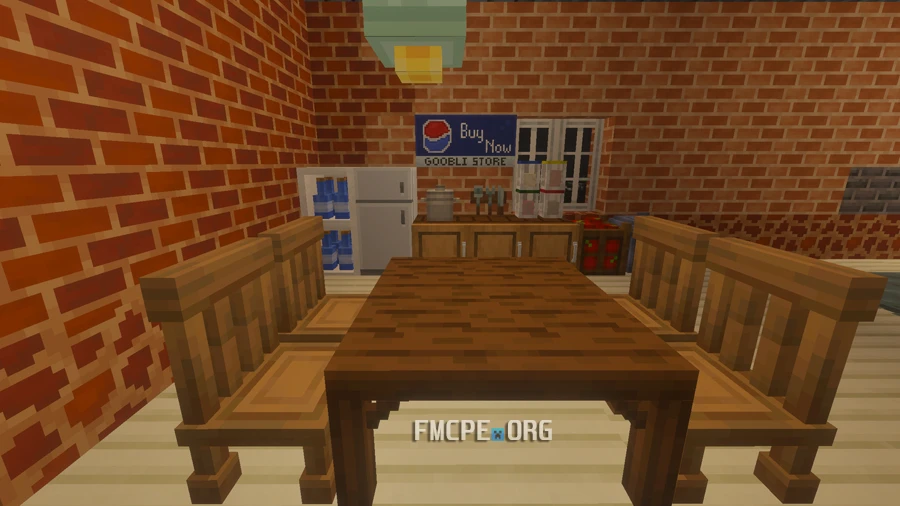

Goobli Kitchen decor


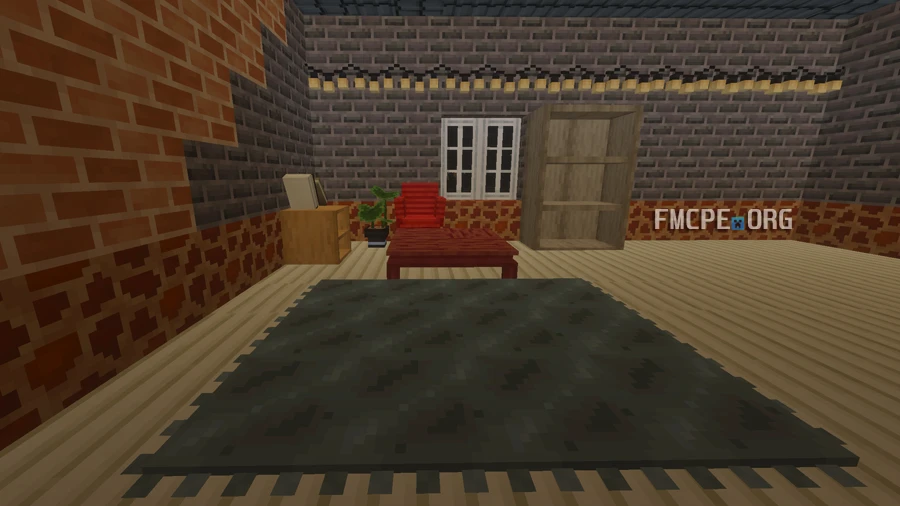
Living Room with furniture


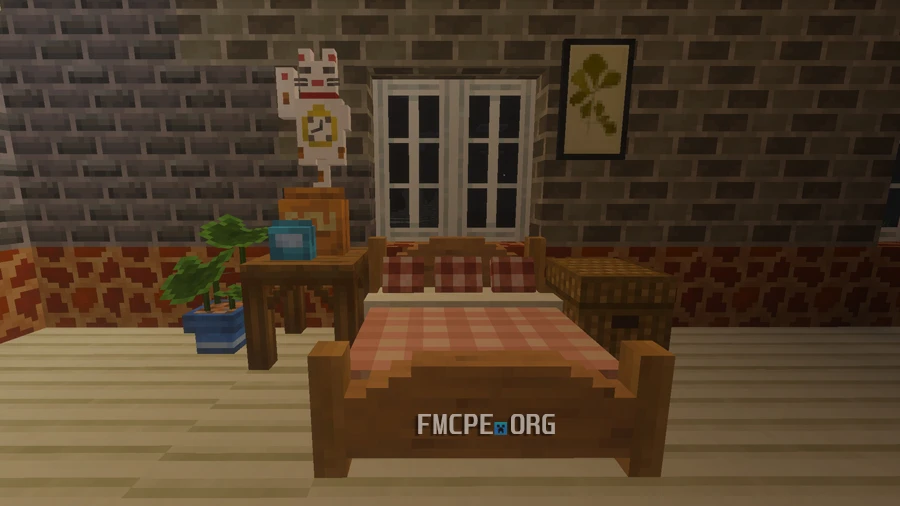
Decorated Bedroom


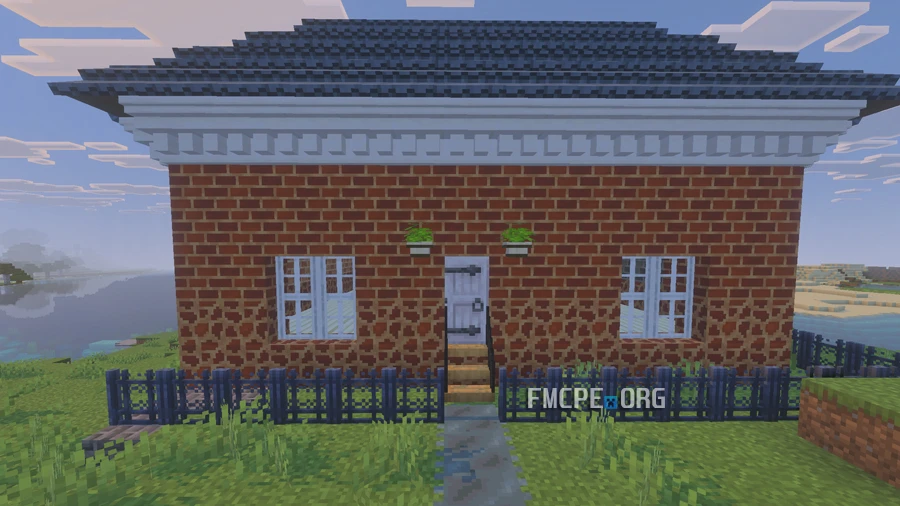
House's Facade decorated in Bedrock


Changelog


  • Added custom item groups for easier item navigation in the creative menu
  • Expanded to include over 200 unique models


Author Avatar

About Andrew Cross

I'm reviewing almost all of the addons you see on the website. Every day I look out for the best addons worth your attention and try to tell you everything about them.

Similar addons

2 comments

  1. kazui
    it dosnt show up in my inventory

    and what do i put into the stonecutter
  2. nancy12369yt
    blah, erm I only know how to do it in Minecraft education edition first you have to make a new world and scroll all the way down and it should say rescorce pack and behavior pack click either one of those and you click your pack and active it and then you click play and it should work
reload, if the code cannot be seen
UP