F3 HUD Bedrock
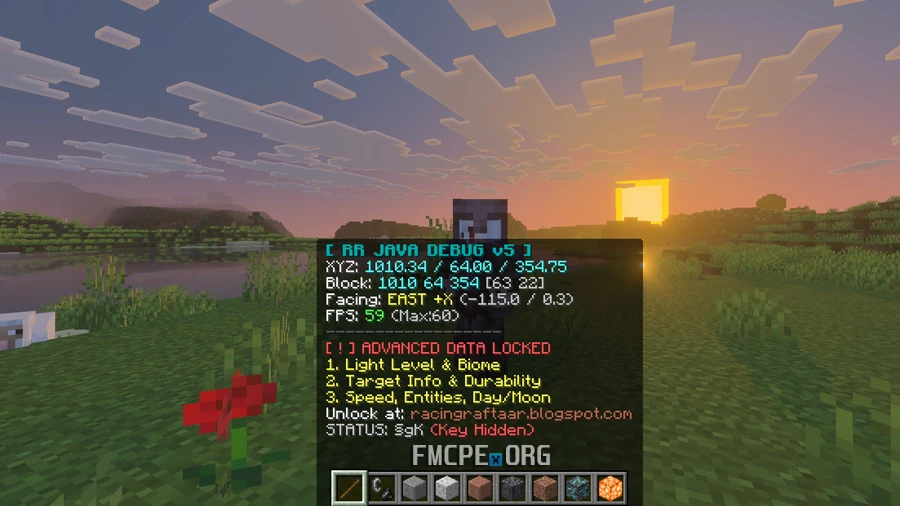
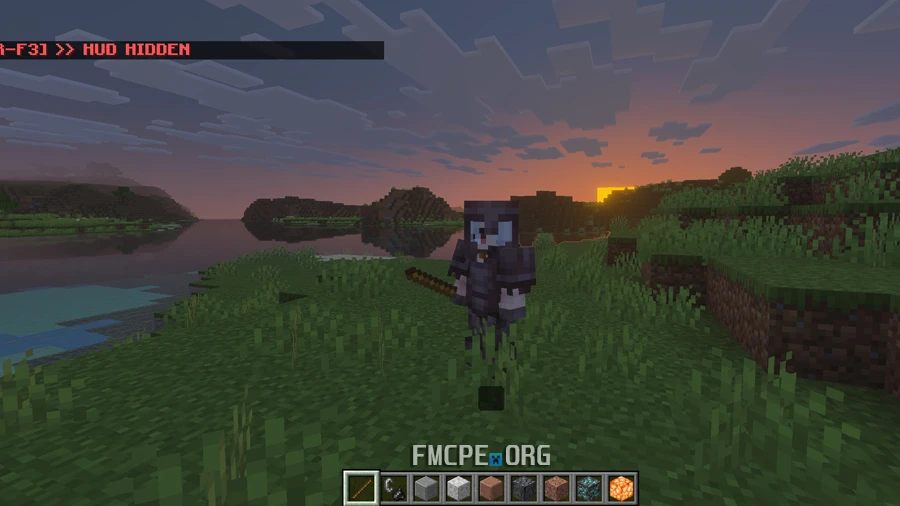
In the Java Edition of Minecraft, the F3 button calls up a HUD that shows important technical information — and now, you can have the same feature in Bedrock. To activate this HUD in-game, simply hold a stick and right-click (or hold the use button). The HUD will display information such as coordinates, block IDs, and FPS.
Advanced data includes light levels, biomes, target info, and speed, which is also available but is locked by default. To unlock it, go to an Anvil, insert a piece of paper, and rename it DEBUG_GOD. Then, hold the renamed paper and right-click to access the additional info.
Credits: RACING RAFTAAR