
Vanilla RTX
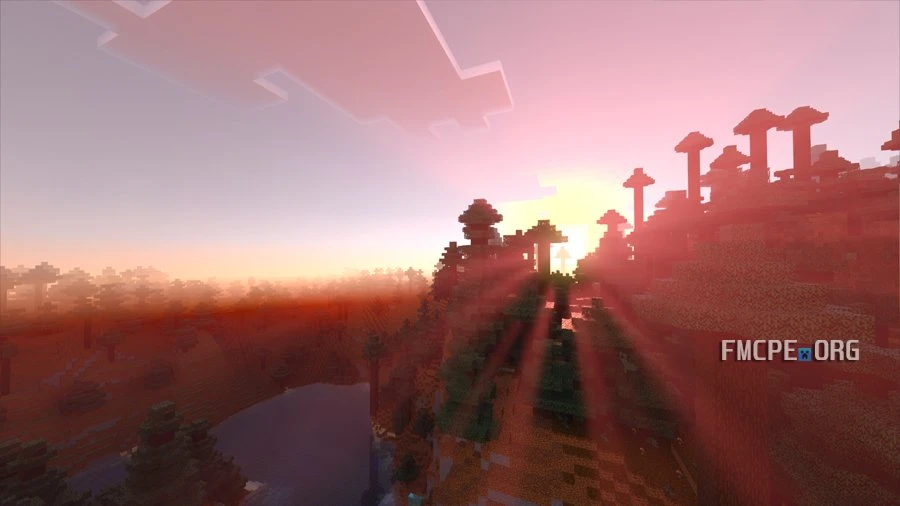
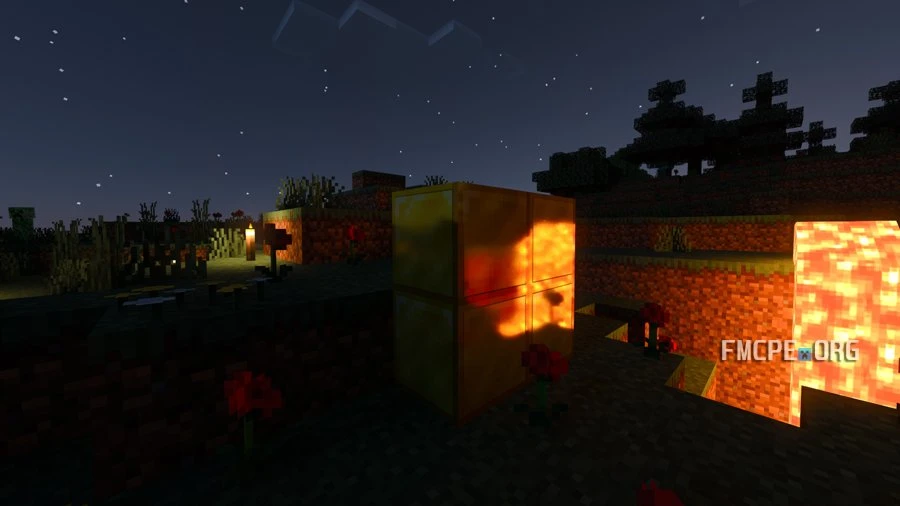
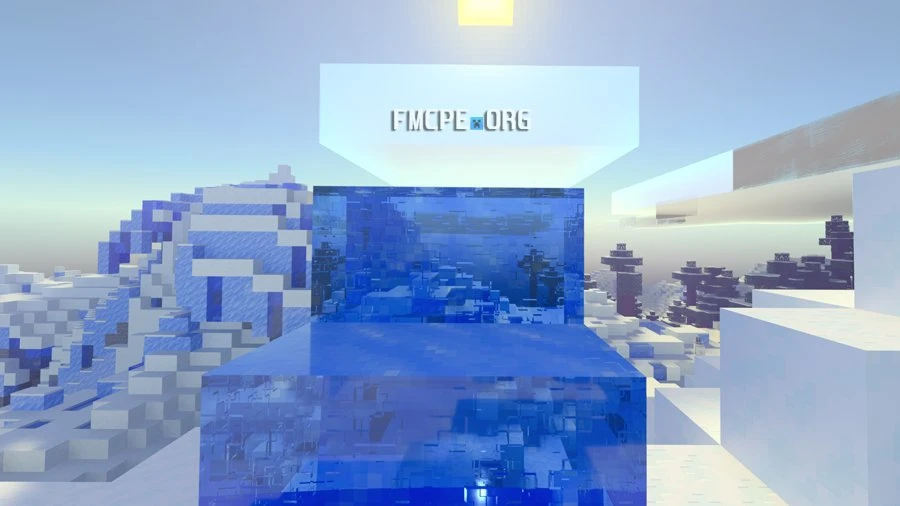
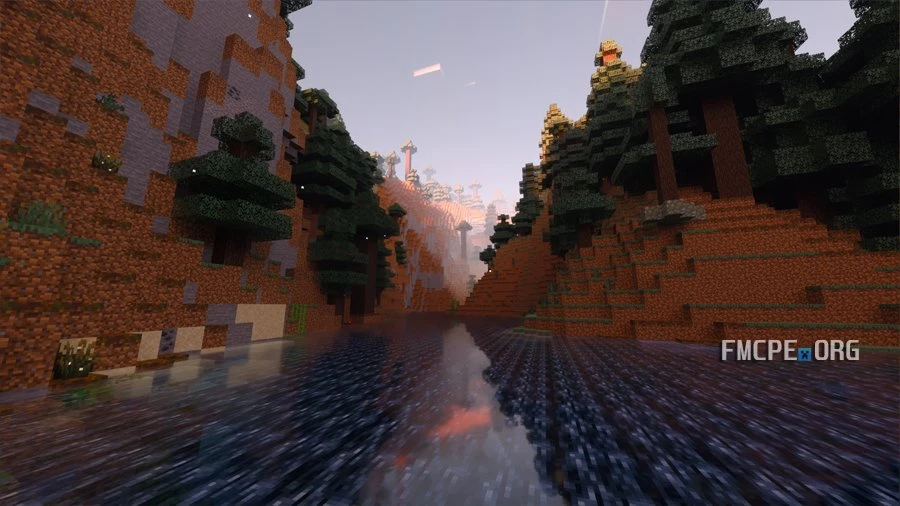
Vanilla RTX is your gateway to enabling ray tracing in Minecraft Bedrock. Ray tracing uses dedicated cores on supported graphics cards to calculate realistic lighting and reflections in real time. For some reason, Minecraft does not allow you to activate this technology on supported hardware without a compatible resource pack. Vanilla RTX is one of the best options for enabling these features.
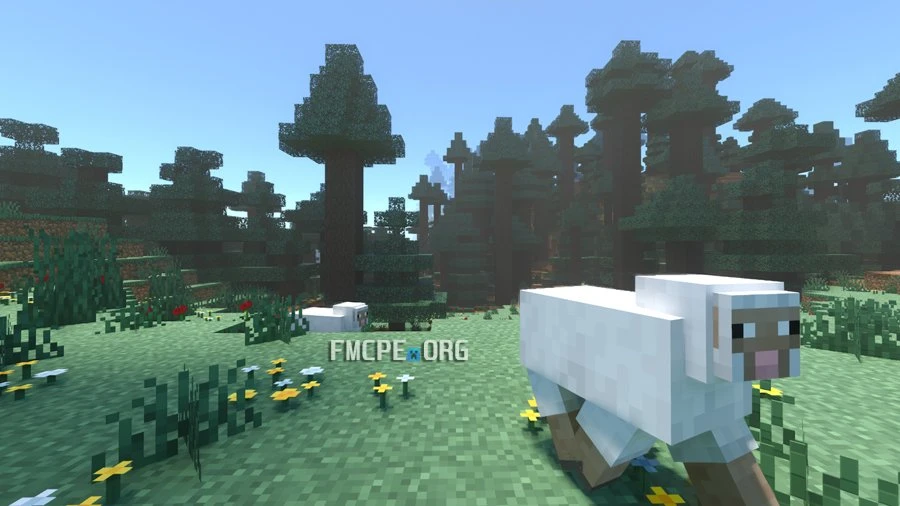
Visually, the game will never look better than it does with RTX enabled, though I personally prefer combining it with Actions & Stuff, and a cartoonish texture pack for a unique look.
Credits: CubeIR.
Troubleshooting: "Ray Tracing" Option Greyed Out
If the Ray Tracing toggle is greyed out in your Video settings (a common bug), try these steps:
- Global Activation: Ensure that Vanilla RTX is activated as a Global Resource in the main settings menu, not just within a specific world.
- Enable Mode Changes: If it’s still locked, go to Settings, find "Allow in-game graphics mode change," and enable it.
- Reload the World: Load your world with the pack active and toggle the graphics mode.
- If textures appear bugged or broken at first, simply save and reload the world; this usually fixes the rendering.